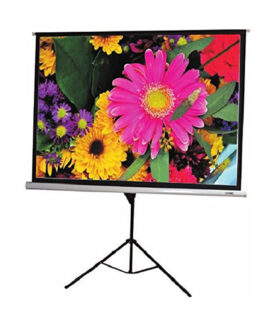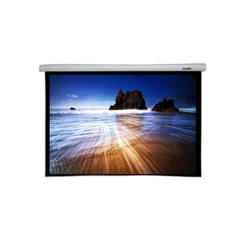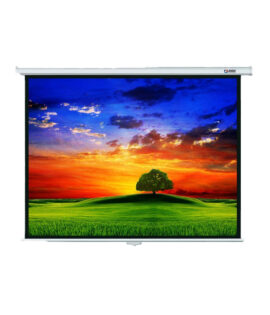

Visiontek 150 inch motorized Screen
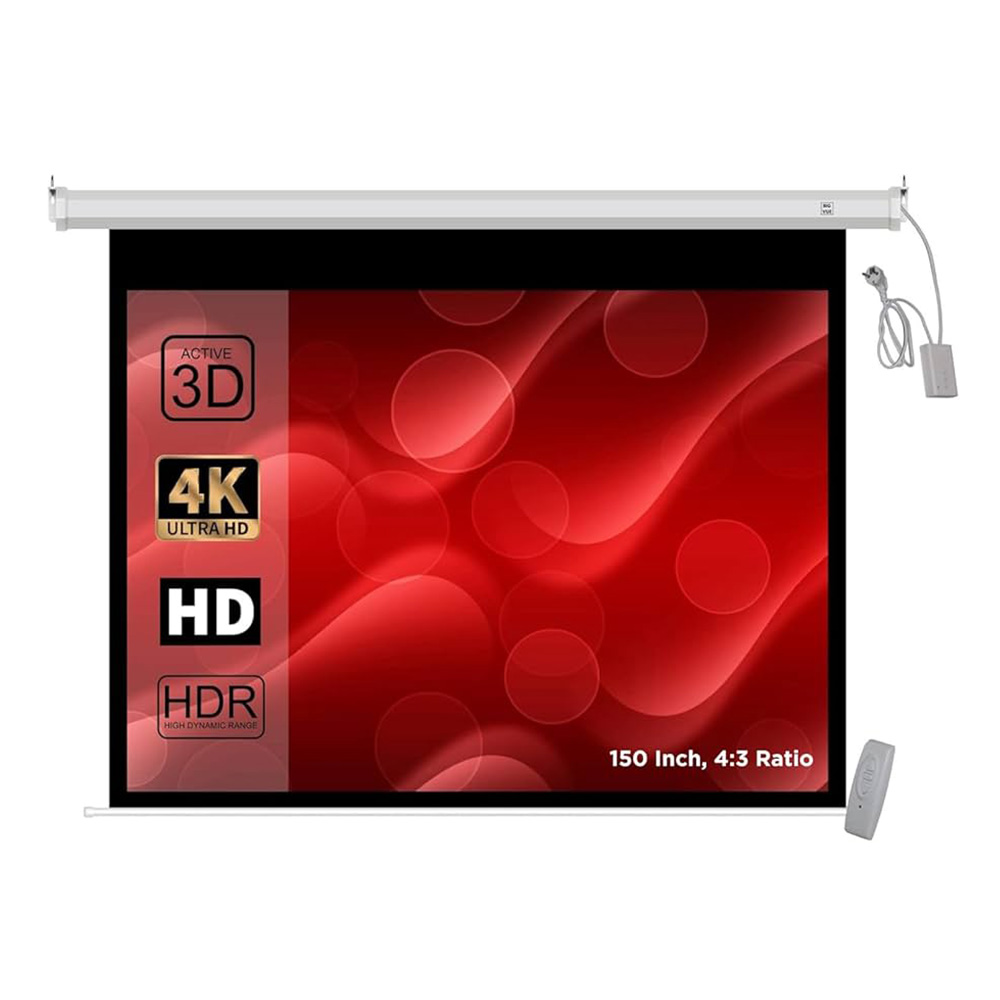
Visiontek 150 inch motorized Screen
₹15,000.00
Important Specifications & Features to Verify
When the size is ~150″ diagonal there are several key specs to get clear on:
-
Screen size & aspect ratio: For a 150″ diagonal screen, confirm the width & height in feet/metres (e.g., ~10×8 ft for 4:3, or ~12×6.8 ft for 16:9) and which aspect ratio (4:3, 16:9) you’ll use. For example one listing says “Dimensions 150″ diagonally” with aspect ratio “4:3 & 16:9 Both Available”. vision-sheen.in+1
-
Fabric/Material & Gain: Check screen fabric type (matte white, high gain, etc), viewing angle, whether it’s suitable for your lighting conditions.
-
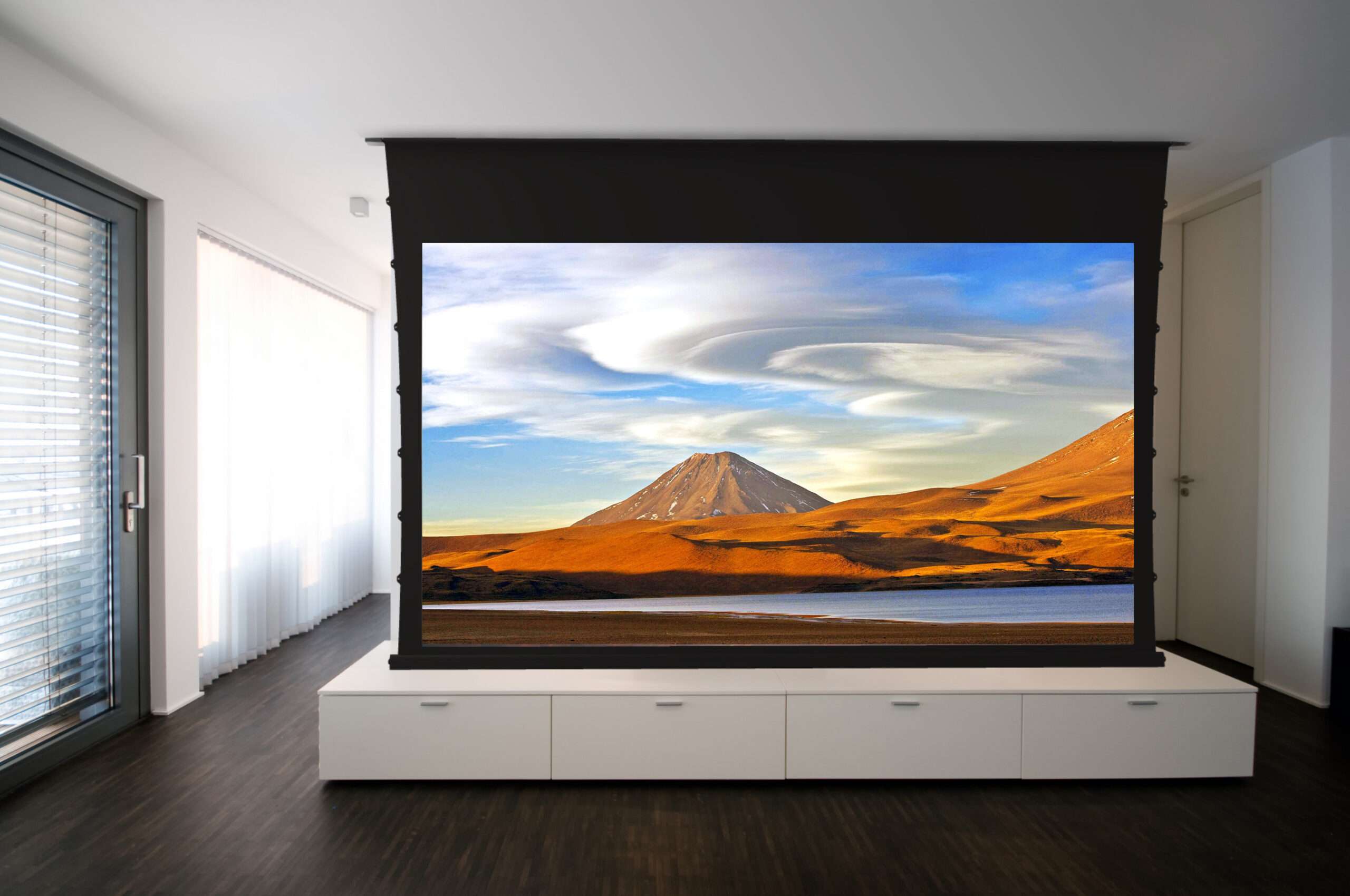
Motorization / housing / mounting: Motorised roll-up/down, remote control or wall switch, mounting type (wall/ceiling/recessed) matter for installation. Example: one “6×8 Visiontek motorised” described as “motorised … roller … smooth and quiet operation”. Madhu Infotech India Pvt Ltd
-
Compatibility (4K/3D/HD): If you intend to use a high resolution projector or 3D, check the screen supports those. Example: a listing mentions “4k 3D supported screen”. marusprojectors.com
-
Budget / availability / local support: Large 150″ screens will cost more, and ensure local installation/logistics and service in Bengaluru.
-
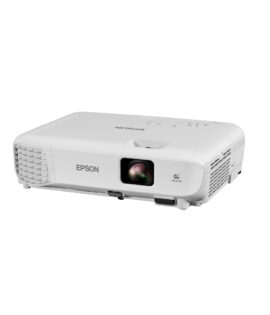
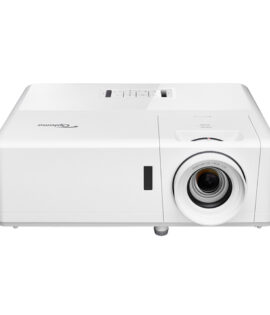
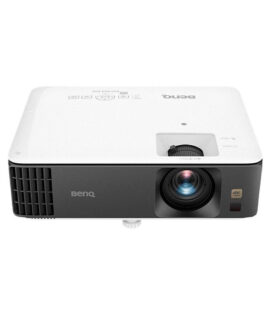
Installation space & throw ratio: With a very large screen, you’ll need enough wall/ceiling space and ensure your projector/throw fits that size and room distance.
-
Brand & reliability: If the brand is less common, check reviews, service network, warranty.
| Weight | 15 kg |
|---|